
Introduction
A few days ago, I migrated a WordPress website to a new server. Everything looked normal at first, but the moment I started editing pages with Elementor, things began to fall apart.
The errors were confusing:
- Elementor Editor showed “Session Expired”
- Sometimes the editor loaded, sometimes it didn’t
- WordPress admin randomly returned 403 Forbidden
- Even
wp-login.phpoccasionally returned 403 - CSS files inside
/wp-admin/were blocked - After changing WordPress versions, plugin compatibility errors appeared
At first glance, it looked like a WordPress or Elementor bug.
It wasn’t.
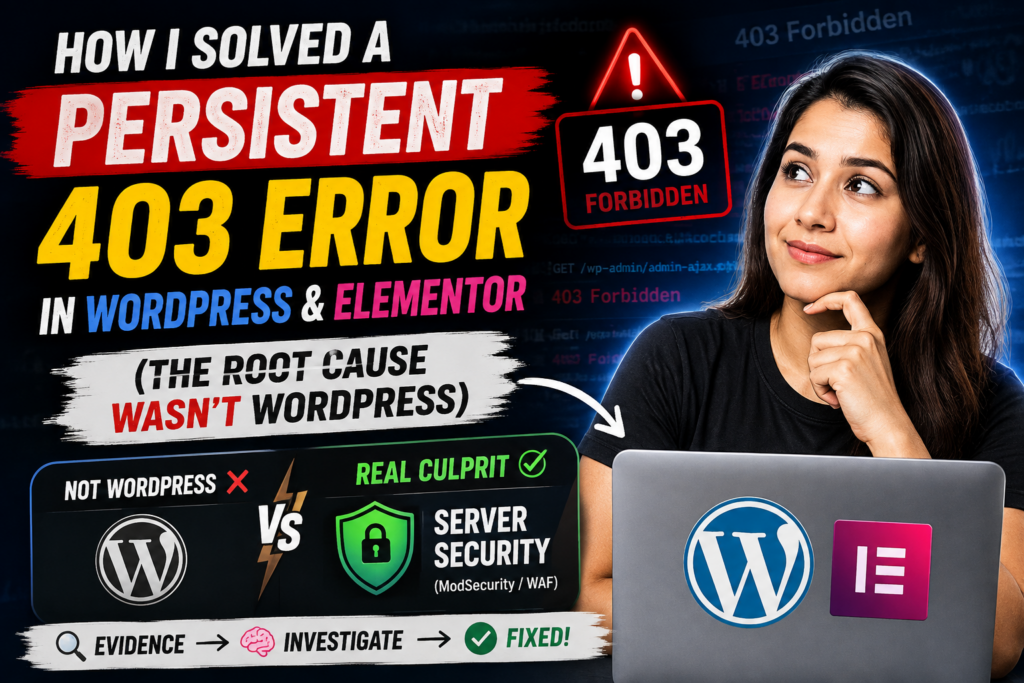
After several hours of troubleshooting, the real culprit turned out to be server security (ModSecurity/WAF).
Here’s exactly how I found it.
Step 1: Don’t Assume It’s Elementor
My first thought was that Elementor was broken.
I checked:
- PHP memory limit
- Elementor version
- Theme compatibility
- Plugin conflicts
Nothing fixed the problem.
Step 2: Verify the Basics
I verified:
- WordPress Address
- Site URL
- Database URLs
- File permissions
- Migration process
- .htaccess
- PHP configuration
Everything looked correct.
Step 3: Find Evidence
Instead of guessing, I opened the browser’s Developer Tools.
That’s where I noticed something strange.
Core WordPress files like:
/wp-admin/css/common.css
/wp-admin/css/admin-menu.css
were returning 403 Forbidden.
That’s a huge clue.
WordPress wasn’t blocking its own CSS.
Something on the server was.
Step 4: More Clues
Then I noticed:
- Elementor Preview → 403
- Admin AJAX → sometimes worked
- Login session expired
- WordPress admin randomly failed
Still looked strange.
Then I tested something outside WordPress.
Step 5: The Breakthrough
I opened phpMyAdmin.
Even SQL requests started returning 403 Rejected.
That was the moment everything changed.
If phpMyAdmin is also getting blocked…
It cannot be a WordPress issue.
Step 6: Contact Hosting
I contacted the hosting provider and asked them to check:
- ModSecurity
- LiteSpeed WAF
- Firewall
- AJAX blocking
- POST request blocking
They checked the server logs.
The culprit?
A ModSecurity false positive.
The firewall was treating legitimate WordPress and phpMyAdmin requests as suspicious.
The Fix
Instead of disabling security completely, the hosting team:
- Identified the triggered security rule
- Whitelisted the affected rule
- Kept the remaining security active
Immediately after that:
- Elementor worked
- WordPress Admin worked
- phpMyAdmin worked
- 403 errors disappeared
Lessons Learned
Before blaming WordPress or Elementor:
✅ Check browser Network tab
✅ Check whether core CSS files load
✅ Test phpMyAdmin
✅ Verify URLs
✅ Don’t randomly downgrade WordPress
✅ Look for server-level evidence
Sometimes the real issue isn’t your website…
It’s your hosting security.
Final Thoughts
This experience reminded me that good troubleshooting isn’t about trying random fixes.
It’s about collecting evidence until the real cause becomes obvious.
That’s how you save hours of frustration.